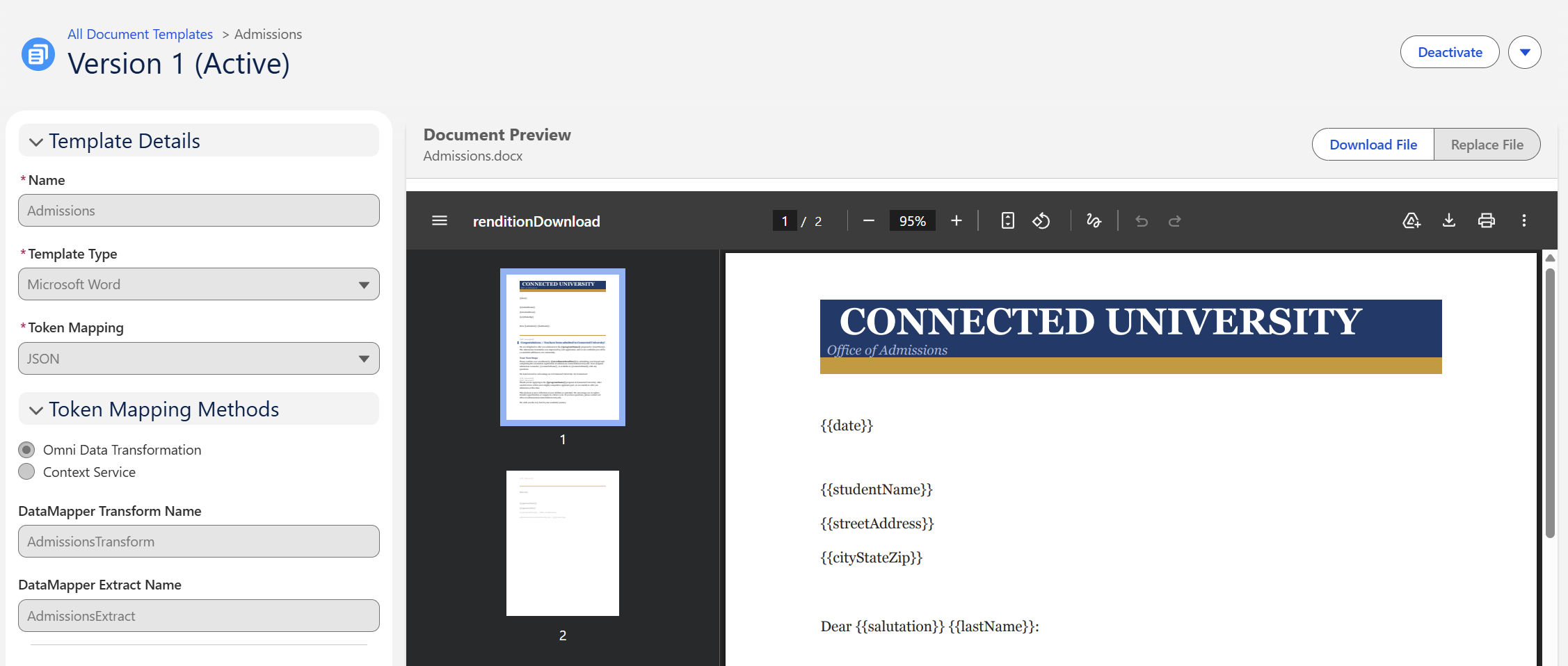
From admissions letters to financial aid notices, document generation is a common need of Salesforce Education Cloud customers. While there are many third-party applications available, Salesforce offers its own native Salesforce Document Generation functionality. Portwood DocGen, a completely free third-party option, is also a valid choice worth considering. Examples using both features are now available in Soaring Peaks Consulting's CumulusCI project on GitHub.
Example Scenario
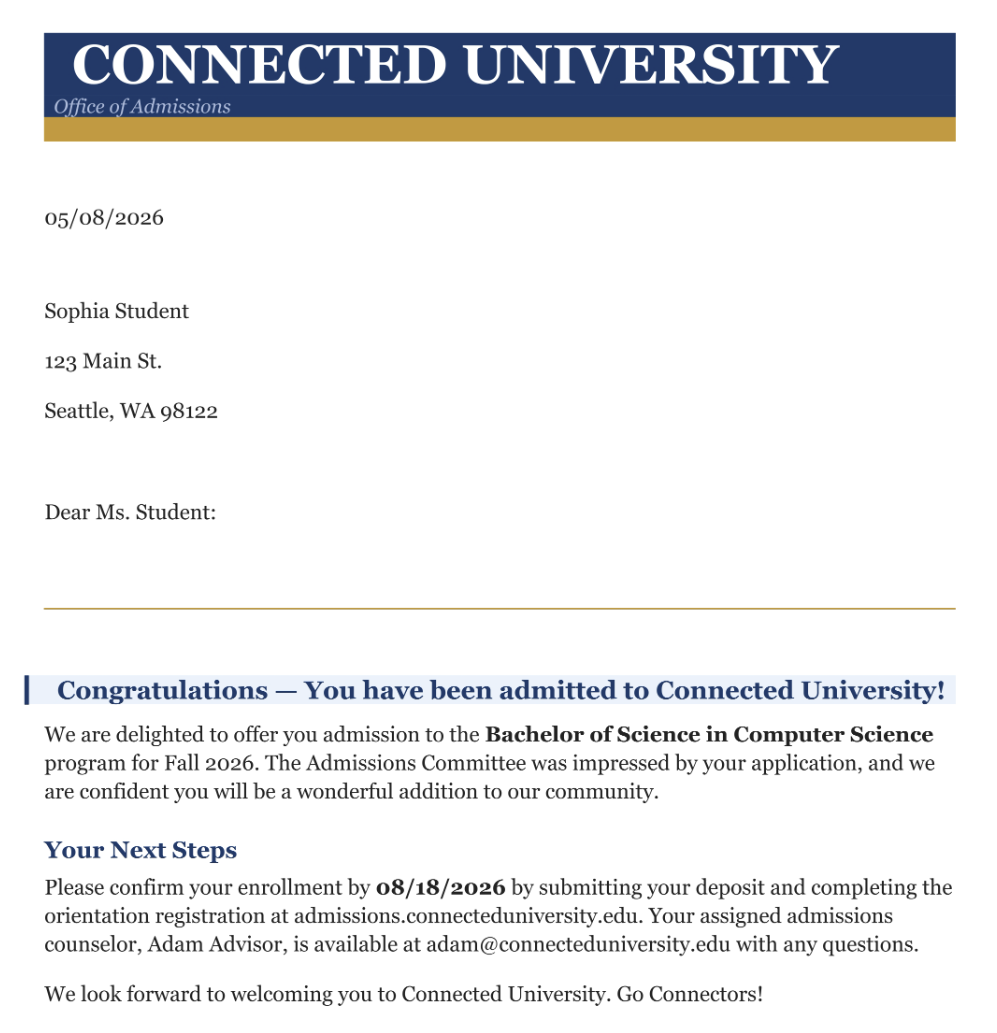
Our example scenario is a common document generation use case: generate an admissions letter for a prospective student. The document should include information about the student, the program they applied to, and the status of their application. Both the native Salesforce Document Generation and Portwood DocGen examples achieve this same outcome, but they do so using different approaches and with different levels of complexity. The end result is a generated document that can be downloaded and shared with the prospective student.
Both the native Salesforce Document Generation as well as Portwood DocGen can generate documents via Salesforce Flow. In our example scenario, when an Application Decision is updated to Admit or Deny, a flow calls the respective document generation service to build the admissions letter for the applicant.
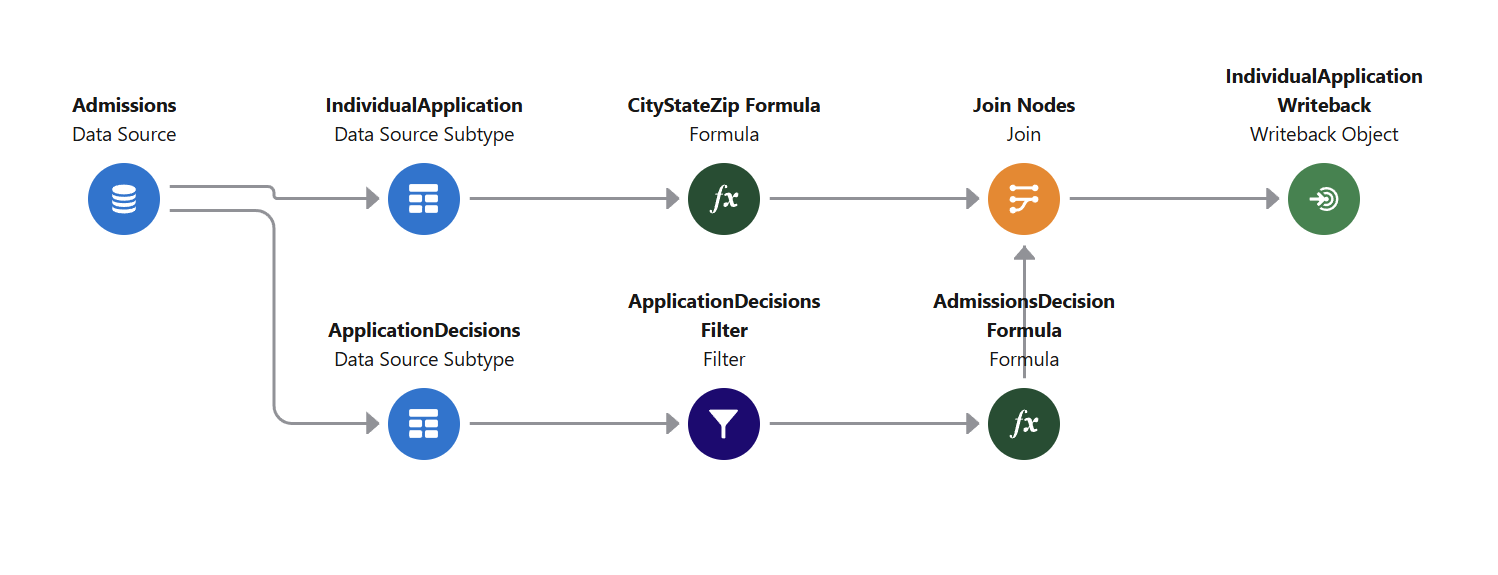
The native Salesforce Document Generation functionality works with both OmniStudio and Context Service. As of Summer '26, the Context Service approach now also supports data transformations via Data Processing Engine, allowing for more complex data manipulation like formulas and bringing the Context Service approach more closely aligned with the capabilities of OmniStudio Data Mappers.
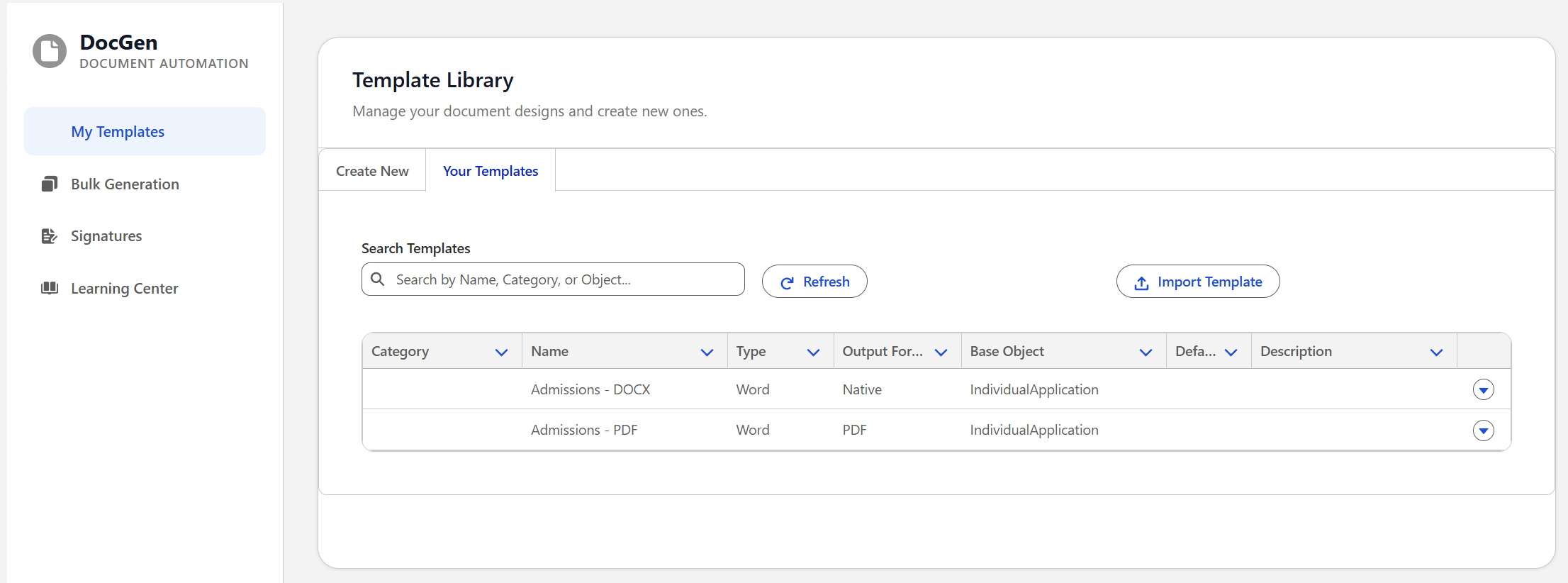
And what about Portwood DocGen? Portwood DocGen's SOQL builder approach is quick and easy for less complex documents. If formulas or more complex data manipulation is needed, custom Apex code will need to be written to achieve the desired results. However, the provided example also demonstrates how to use Portwood DocGen with OmniStudio Data Mappers with only a little bit of Apex required for the integration. This could be beneficial for customers who want to use the Portwood DocGen package but still be able to easily add or remove fields from their document templates, even when the out-of-the-box SOQL builder solution isn't sufficient for their needs.
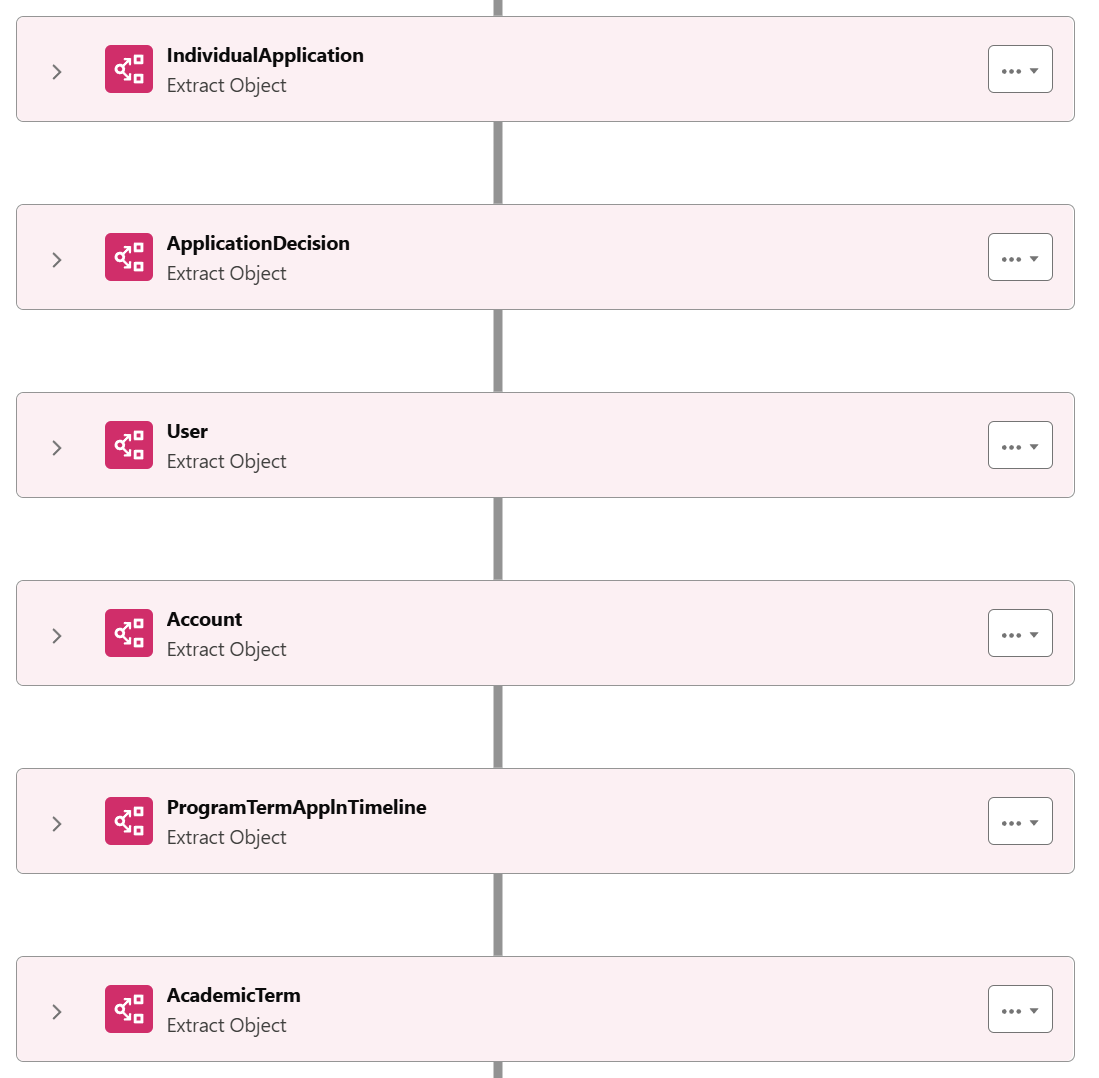
Check out the demo video below to see the example scenario in action, including a deep-dive into the different configurations.
Tool Comparison
The best tool for your institution will depend on your requirements, but hopefully the below comparison and the information shared on this page gives some insights into what's possible with the native Salesforce Document Generation and Portwood DocGen.
| Feature | Native Salesforce Document Generation | Portwood DocGen Managed Package |
|---|---|---|
| Cost | Free for all Industries Cloud orgs [1] | Free for everyone [2] |
| Generation Limits | 1k/hour 2.5k/hour with Batch Document Generation [3] |
None |
| OmniStudio Integration | Supported | Supported (with some initial Apex required) |
| Flow Integration | Supported | Supported |
| SOQL Builder | No | Yes |
| PDF Font Support | Custom Fonts Supported | 4 Fonts Available [4] |
| Watermarks | Supported | Supported |
| E-Signatures | Supported via DocuSign API Integration | Supported |
Ready to tackle your document generation requirements in Salesforce Education Cloud? Contact us today to discuss your specific needs and how we can help you implement the best solution for your institution.
Additional Resources
- Soaring Peak Consulting's Education Cloud Customizations GitHub Project
- Portwood Global Solutions
- Salesforce Document Generation Documentation
About Soaring Peaks Consulting
Soaring Peaks Consulting engineers Salesforce Education Cloud solutions so that educational institutions can better support staff and personalize learner experiences, resulting in increased staff productivity and learner retention. To learn more about how Soaring Peaks Consulting can partner with your institution, email us today!